AI in Odoo: 6 Rules for Managing API Keys, Costs and AI Providers
AI apps in Odoo each want their own API key, model and budget. These six rules keep AI secure, affordable and easy to switch, whatever tools you use.
KalvyAI Engineering · · 4 min read
AI is arriving in Odoo fast. One app reads vendor bills, another triages helpdesk tickets, a third writes product descriptions. Each one asks for its own API key, its own model and its own settings, and within a few months nobody knows how many keys exist, who can see them or why last month’s AI bill doubled.
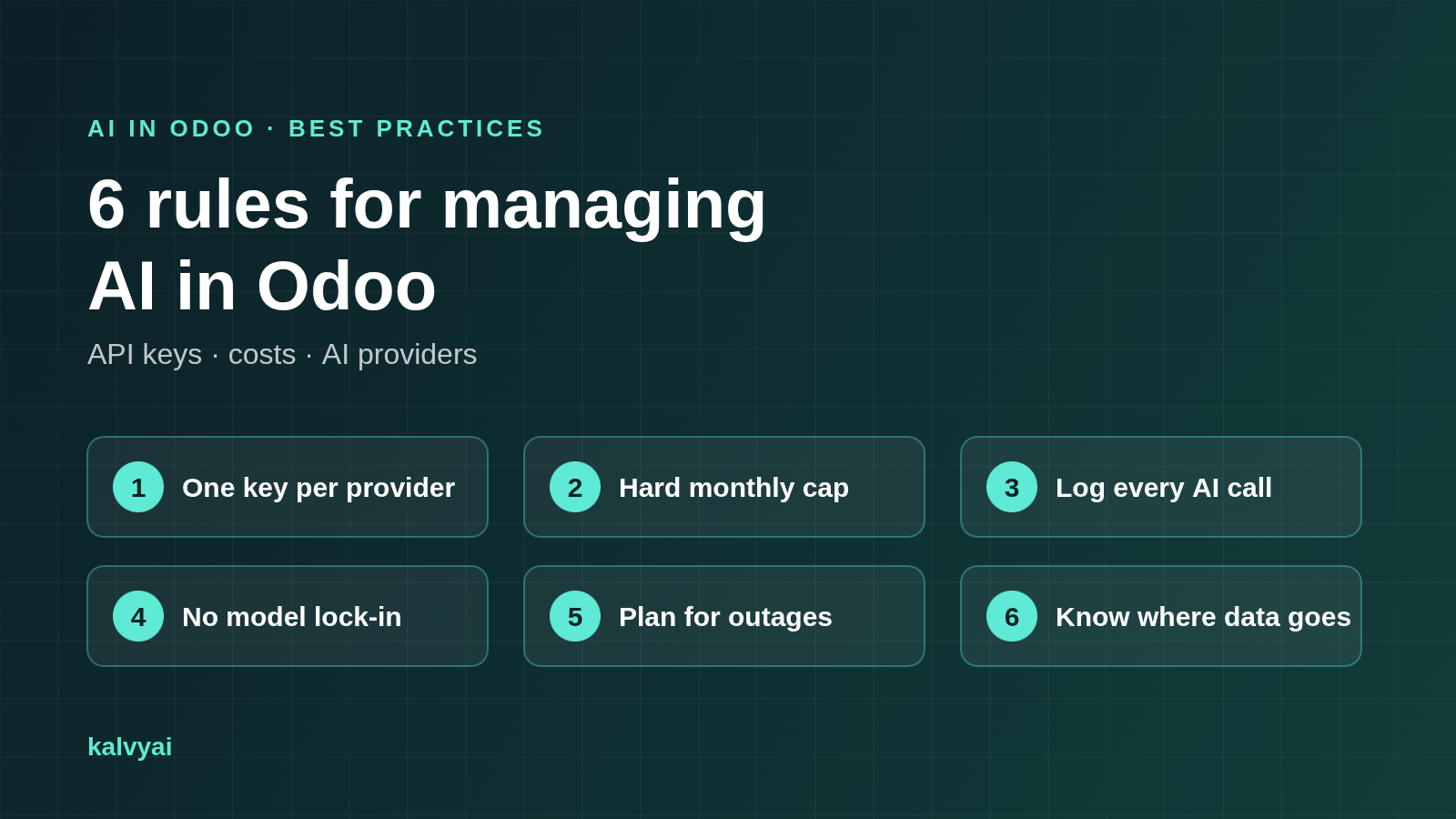
Whatever AI tools you use, these six rules keep AI in Odoo secure, affordable and easy to change.
1. Keep one API key per provider, not per app
Every copy of an API key is another place it can leak. When the same OpenAI key sits in three apps’ settings, rotating it means three updates, and anyone with access to any of those screens can copy it.
Do this: store each provider’s key once, in one place, and restrict it to the administrators who own the AI budget. Apps should use the key without ever showing it.
2. Put a hard monthly cap on every provider
AI providers bill per token, and automation multiplies tokens. A loop, a large PDF import or a scheduled action that runs every minute can burn a month’s budget overnight. A spending alert tells you after the money is gone.
Do this: set a hard monthly limit per provider that refuses calls before they are sent once it is reached.
3. Log every AI call
When the bill spikes or an answer looks wrong, you need to know which user, which feature and which record made the call, how many tokens it used and whether it failed.
Do this: keep one log of every AI call from every app, with tokens, duration, status and the exact error, and review it monthly.
4. Don’t lock yourself into one model
New models arrive every few months, often better and cheaper. If each app talks directly to one vendor’s API, switching means rewriting or reconfiguring every app.
Do this: put one layer between your apps and the AI providers, so changing the provider or model is a setting, not a project.
5. Plan for rate limits and outages
Every provider has busy hours, rate limits and the occasional outage. A good setup tells temporary failures (retry or switch) apart from permanent ones (wrong key, refused request), and never treats a cut-off answer as complete.
Do this: configure a second provider as a fallback for business-critical features.
6. Know exactly where your data goes
Some AI connectors route your data through the vendor’s own servers before it reaches the AI provider. That is one more company holding your invoices and customer emails.
Do this: prefer tools that call the provider directly from your Odoo server, check each provider’s API data policy, and keep a self-hosted model as an option for sensitive data.
Quick checklist
- Each AI provider’s API key is stored once and hidden from regular users
- Every provider has a hard monthly token cap
- Every AI call is logged with user, feature, record and tokens
- Switching provider or model needs no code change
- A fallback provider is configured
- Data goes straight from Odoo to the provider you chose
How AI Base puts these rules into practice
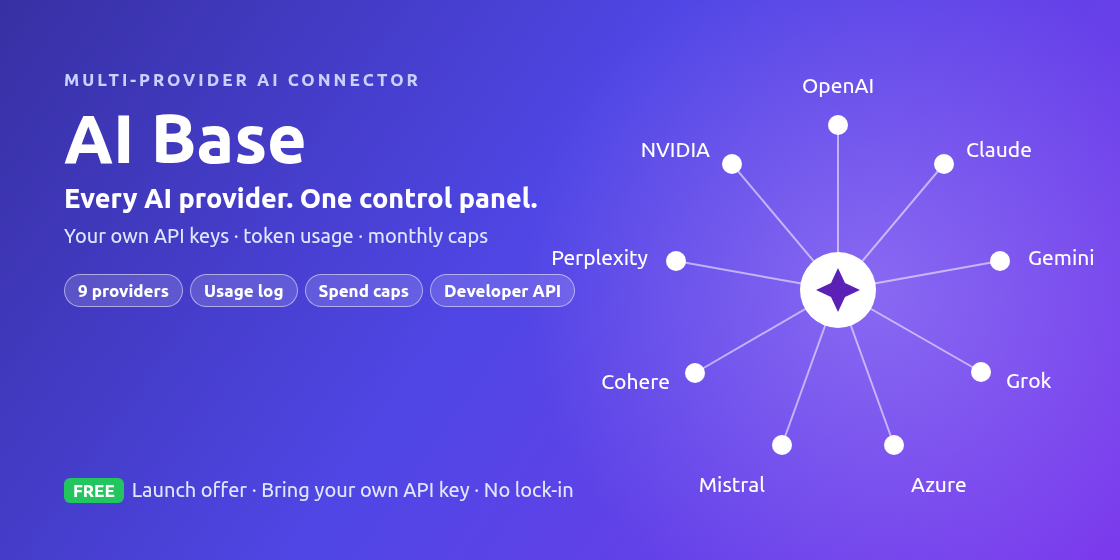
We built AI Base because we kept rebuilding the same AI plumbing for every Odoo project. It is one free module that applies all six rules to every AI app in your database:
- One key vault: add OpenAI, Claude, Gemini, Grok, Azure OpenAI, Mistral, Cohere, Perplexity or NVIDIA NIM once. Only AI Managers can see the keys.
- Hard monthly token caps per provider, enforced before any call is sent.
- A full usage log with list, graph and pivot views per provider, feature and user.
- Switch models on a form: apps built on AI Base keep working.
- Clear failure handling and support for fallback providers.
- Direct calls only: no kalvyai server in between, no telemetry, plus support for local models such as Ollama.

It runs on Odoo 19 and Odoo 20, Community and Enterprise, Odoo.sh and on-premise, and it is free during the launch offer.
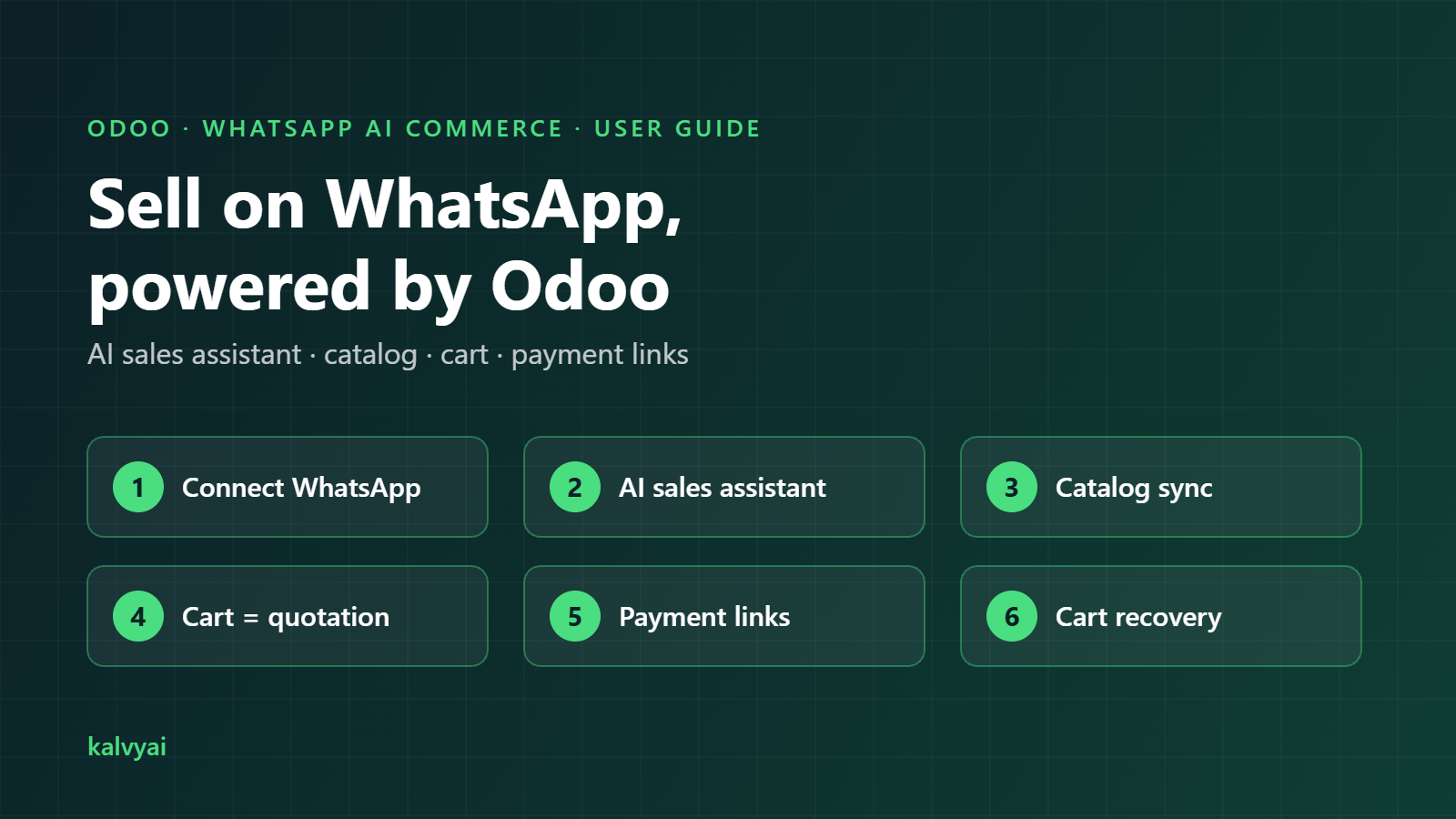
Get AI Base free from the kalvyai Store, then follow the step-by-step AI Base user guide to set it up in a few minutes.
FAQ
What is the best way to use AI in Odoo?
Use one central layer for all AI providers: store each API key once, cap monthly usage, log every call and let all your AI apps share that setup instead of configuring each app separately.
Can I use several AI providers in Odoo at the same time?
Yes. With a central layer such as AI Base you can configure OpenAI, Claude, Gemini and others side by side, each with its own key and cap, and use one as a fallback for another.
How do I stop AI costs from getting out of control in Odoo?
Set a hard monthly token cap per provider that blocks calls before they are sent, and review a usage log that shows which feature and user consumed the tokens.
- Odoo
- Odoo AI
- AI providers
- API keys
- AI costs
- OpenAI
- Claude
- Gemini
KalvyAI Engineering · Engineering team
The engineers who build, connect and fix business systems at KalvyAI: Odoo, ERPNext, Shopify and AI agents that work inside them with approvals, budgets and an audit trail.
Comments
No comments yet. Questions and corrections are welcome.
Rate this post or leave a comment