Technical
How to Add an OpenAI API Key in Odoo (Step by Step)
Add your OpenAI API key to Odoo once and let every AI module use it. A 5-minute, step-by-step setup with AI Base, including model choice, a spending cap and a connection test.
KalvyAI Engineering · · 2 min read
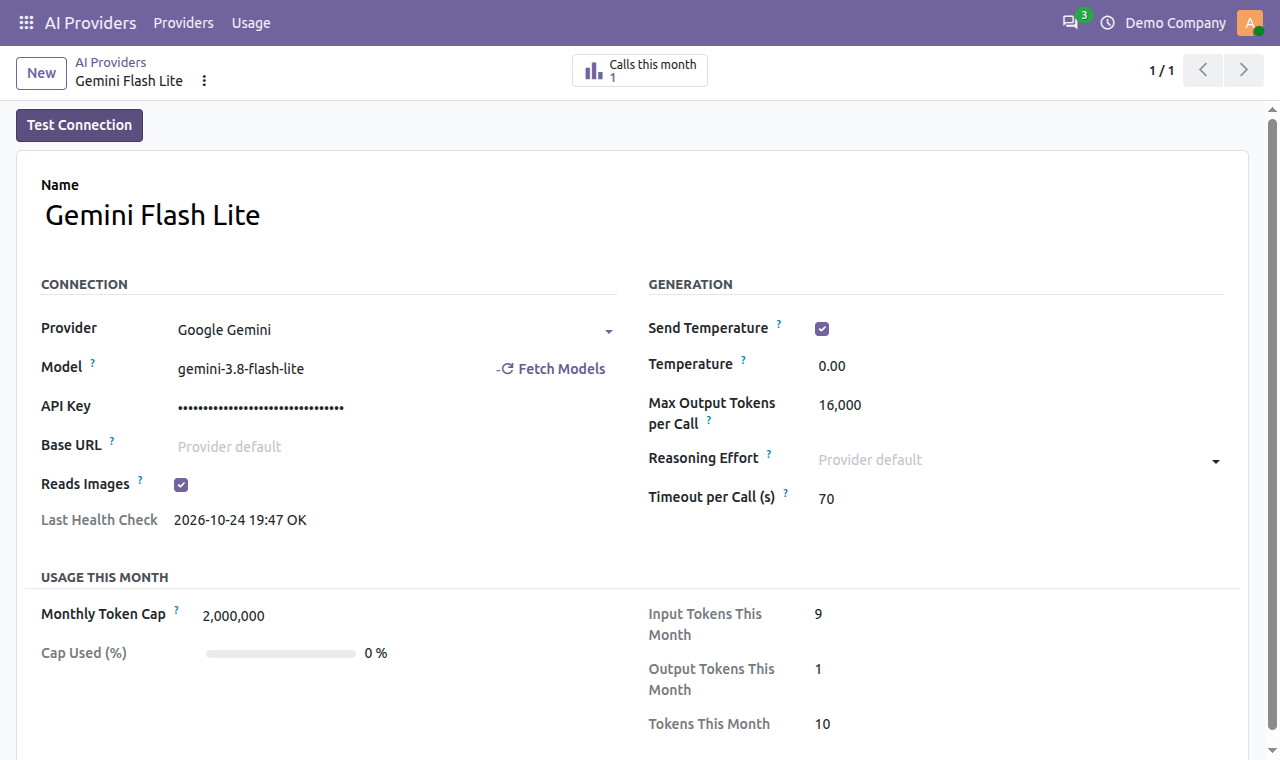
The safest way to add an OpenAI API key to Odoo is to store it once, in one protected place, and let every AI module use it from there. The free AI Base module from kalvyai does exactly that. Here is the 5-minute setup.
What you need
- An OpenAI API key, created in your OpenAI platform account under API keys. API usage is billed by OpenAI separately from any ChatGPT subscription.
- AI Base installed in Odoo 19 or Odoo 20 (Community or Enterprise).
- Administrator rights in Odoo.
Steps to add your OpenAI API key in Odoo
- Go to AI Providers > Providers and click New.
- Name it, for example "OpenAI main", and choose OpenAI as the provider.
- Paste your key in API Key. The default model
gpt-5-miniis filled in. - Click Fetch Models to pick any other model your key can use.
- Set a Monthly Token Cap so a runaway job can never overspend.
- Click Test Connection. A green message confirms the model answered.

Why store the key in one place?
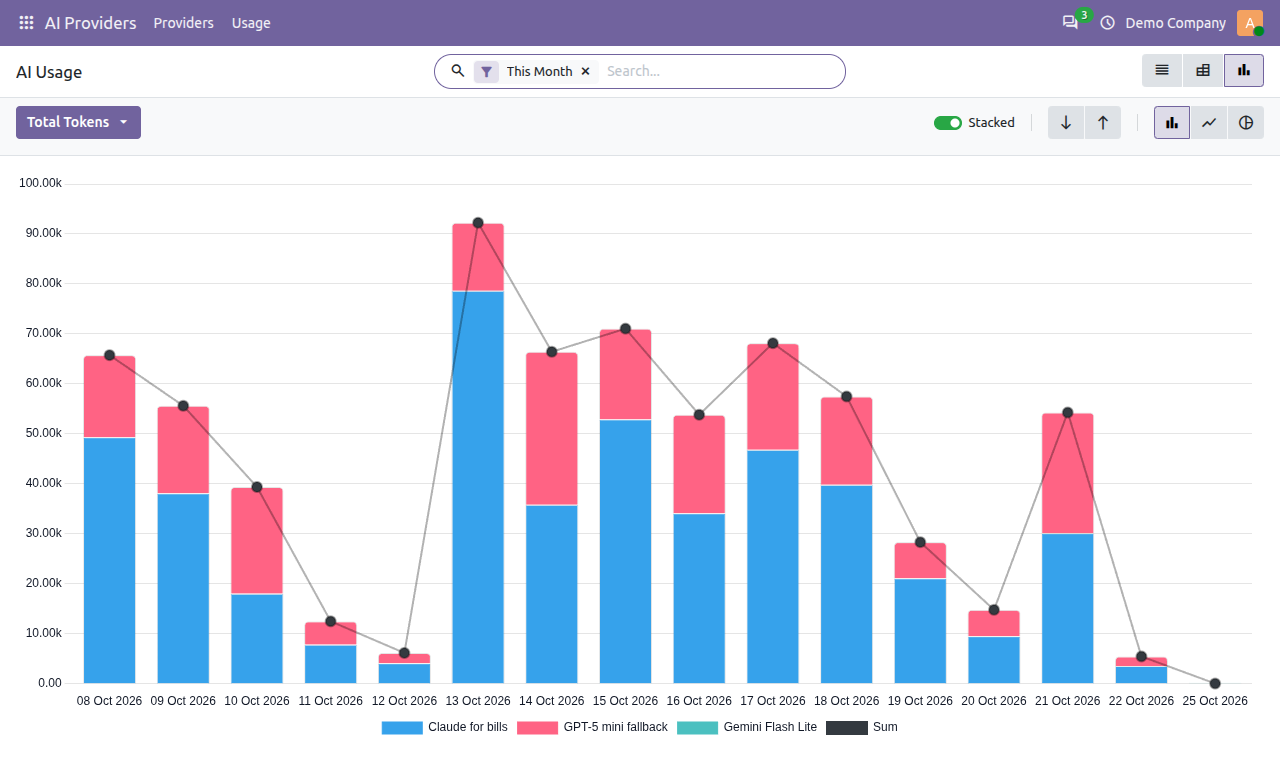
Many Odoo AI apps ask you to paste the OpenAI key into their own settings. With three apps, that is three copies of the same secret and three places to update when you rotate it. With AI Base, the key lives in one record that only AI Managers can see, and every module built on AI Base shares it, together with one monthly cap and one usage log.
Tip: add a second provider, such as Claude or Gemini, as a backup. Modules built on AI Base can switch to it when OpenAI is rate-limited or over its cap.
FAQ
Is a ChatGPT subscription the same as an OpenAI API key?
No. ChatGPT Plus or Team is a subscription for the chat app. Odoo needs an API key from the OpenAI platform, which is billed per token.
Who can see my OpenAI key in Odoo?
Only users with the AI Providers: Manager role. Regular AI users can use AI features but never see the key.
The test says "unknown model". What now?
Click Fetch Models and choose a model from the list your key actually has access to. More fixes are in the troubleshooting section of the full guide.
Get started
Get AI Base free from the kalvyai Store, then follow the complete AI Base user guide for every setting, user roles and usage reports.
- Odoo
- OpenAI
- API keys
- Odoo AI
- AI Base
KalvyAI Engineering · Engineering team
The engineers who build, connect and fix business systems at KalvyAI: Odoo, ERPNext, Shopify and AI agents that work inside them with approvals, budgets and an audit trail.
Comments
No comments yet. Questions and corrections are welcome.
Rate this post or leave a comment