Technical
How to Use a Local LLM (Ollama) with Odoo
Keep your data in-house by running AI on your own server. Here is how to connect Ollama, vLLM or another OpenAI-compatible local model to Odoo with AI Base, with the same caps and usage log.
KalvyAI Engineering · · 2 min read
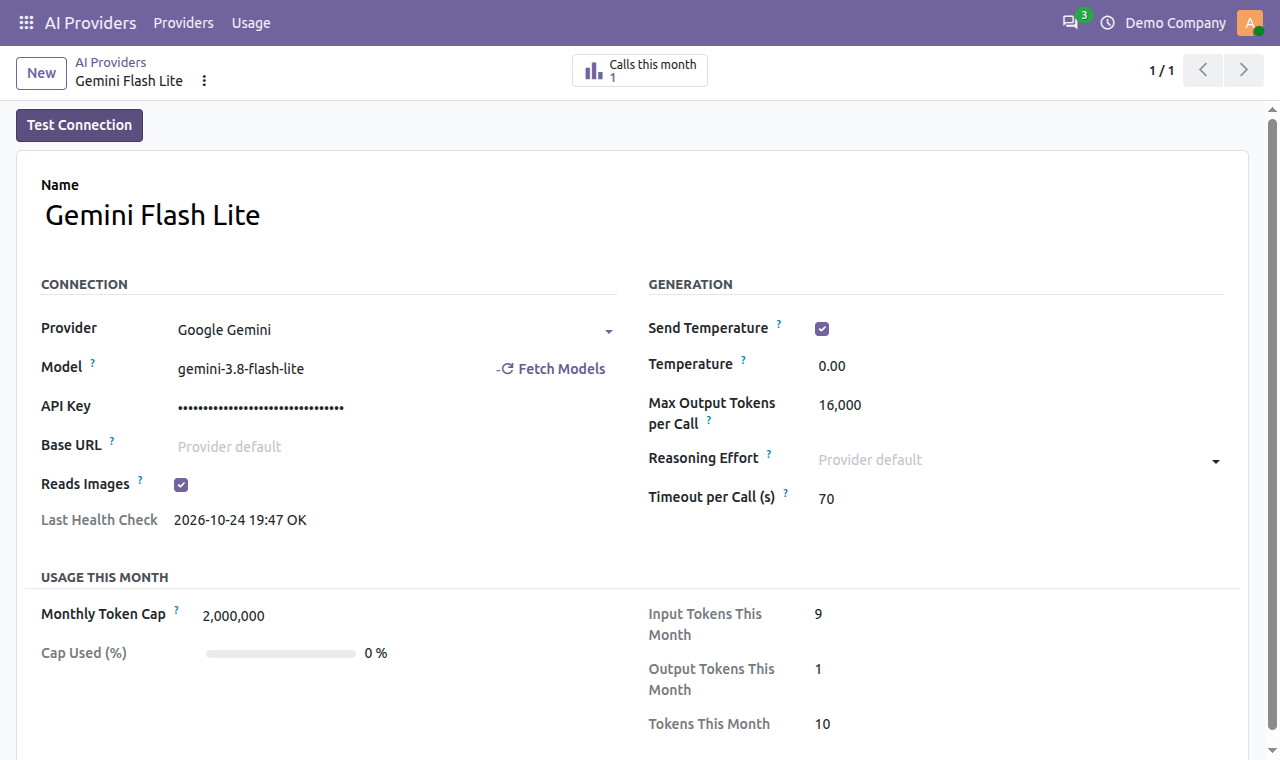
Some companies cannot send invoices, contracts or customer data to a cloud AI provider. A local LLM solves that: the model runs on your own server and your data never leaves your network. With the free AI Base module, Odoo can use a local model just like OpenAI or Claude, with the same monthly caps and usage log.
What you need
- A model server with an OpenAI-compatible chat-completions endpoint, such as Ollama, vLLM or a self-hosted NVIDIA NIM. Ollama serves one at
http://<your-server>:11434/v1. - A network route from your Odoo server to that model server.
- AI Base installed in Odoo 19 or Odoo 20.
Connect a local LLM to Odoo
- Go to AI Providers > Providers > New.
- Choose a provider type that uses Chat Completions, such as Mistral AI or NVIDIA NIM.
- Set the Base URL to your server’s endpoint, for example
http://10.0.0.5:11434/v1. - Type the model name your server exposes, exactly as it is installed there.
- If the form asks for an API key and your server does not use one, enter any placeholder text.
- Click Test Connection to confirm the model answers.
Watch out: "localhost" means the Odoo server itself. If Odoo runs on Odoo.sh or another host, it cannot reach a model on your laptop; use an address the Odoo server can actually reach.
What works the same as cloud AI
- Every module built on AI Base can use the local model with no code changes.
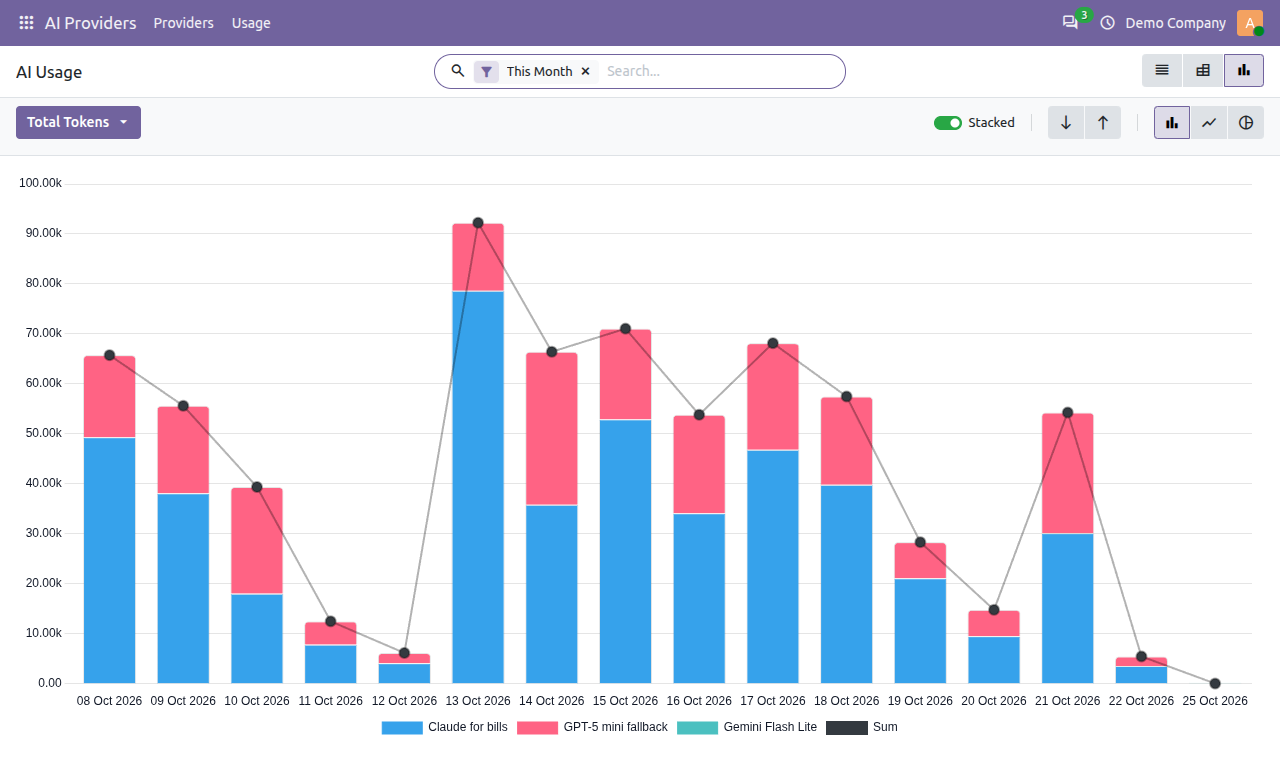
- Monthly token caps and the full usage log still apply, which helps you plan hardware capacity.
- You can keep a cloud provider as a backup for when the local server is busy.
Native PDF reading is available only on OpenAI, Claude and Gemini. With a local model, image support depends on the model you run.
FAQ
Does my data leave my network with a local LLM?
No. AI Base sends each call straight from your Odoo server to the Base URL you set, and stores nothing outside your Odoo.
Can I mix local and cloud models?
Yes. Add as many providers as you like, local and cloud, each with its own cap. See the full AI Base guide for multi-provider setup.
Get started
Get AI Base free from the kalvyai Store, then follow the complete AI Base user guide for every setting, user roles and usage reports.
- Odoo
- Ollama
- Local LLM
- Self-hosted AI
- AI Base
KalvyAI Engineering · Engineering team
The engineers who build, connect and fix business systems at KalvyAI: Odoo, ERPNext, Shopify and AI agents that work inside them with approvals, budgets and an audit trail.
Comments
No comments yet. Questions and corrections are welcome.
Rate this post or leave a comment